
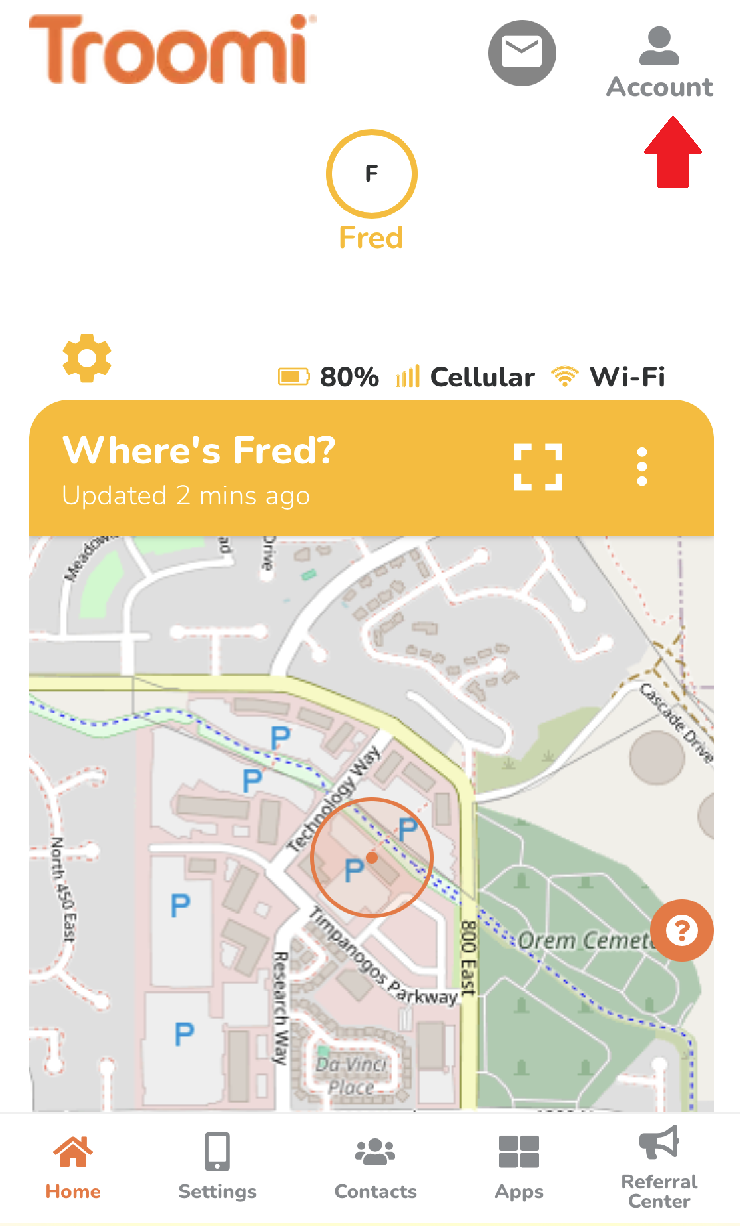
1. Log into the Parent Portal by navigating to http://parent.troomi.com. Then, click the Account icon in the top right-hand corner.
2. Near the middle of the page there is a bar labeled Check Order Status. Press the Order History button
3. This will display a list of orders with the newest at the top.
Each order has a status:
Received - Order has been received and will be processed promptly
Processing - Devices are in the warehouse being provisioned and will ship soon
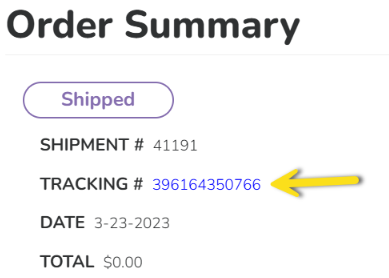
Shipped - Phones are provisioned and have been shipped. *If you click on the word "shipped" you will get a tracking number. If you click on the tracking number, you will be directed to FedEx where you can track your order. 
Completed - Order has been marked as delivered
Cancelled - Cancelled order
4. Click an individual order to see more details
*If you ordered multiple phones, they may arrive separately, although they are likely to arrive in the same package.